
R2 Bucket Boss
Your Cloudflare R2 buckets and your SFTP servers, side by side in one window. Connect once, then browse, edit, move and share your files without opening a web dashboard or typing a single command.


One window for R2 and SFTP
R2 Bucket Boss (R2BB for short) is a native file manager for Cloudflare R2 and any SFTP server. Connect once, then browse, edit, move and share your files without opening a web dashboard or typing a single command.
R2 buckets and SFTP servers sit side by side in the same sidebar, with several sessions open at once. Drag and drop straight to and from the Finder, whole folders included, or drag a file onto a folder to move it on the server with no download and re-upload required.
Why move to R2
Zero egress fees. Upload once and share the link as many times as you like. Most object storage charges per gigabyte downloaded - R2 does not.
S3 compatible, so the tokens and tools you already have keep working, and served from Cloudflare's global network, so a file downloads quickly whether your recipient is in Tokyo or Toronto.
Map your own domain to a bucket and send links from your URL instead of a generic storage endpoint.
Edit and preview without downloading
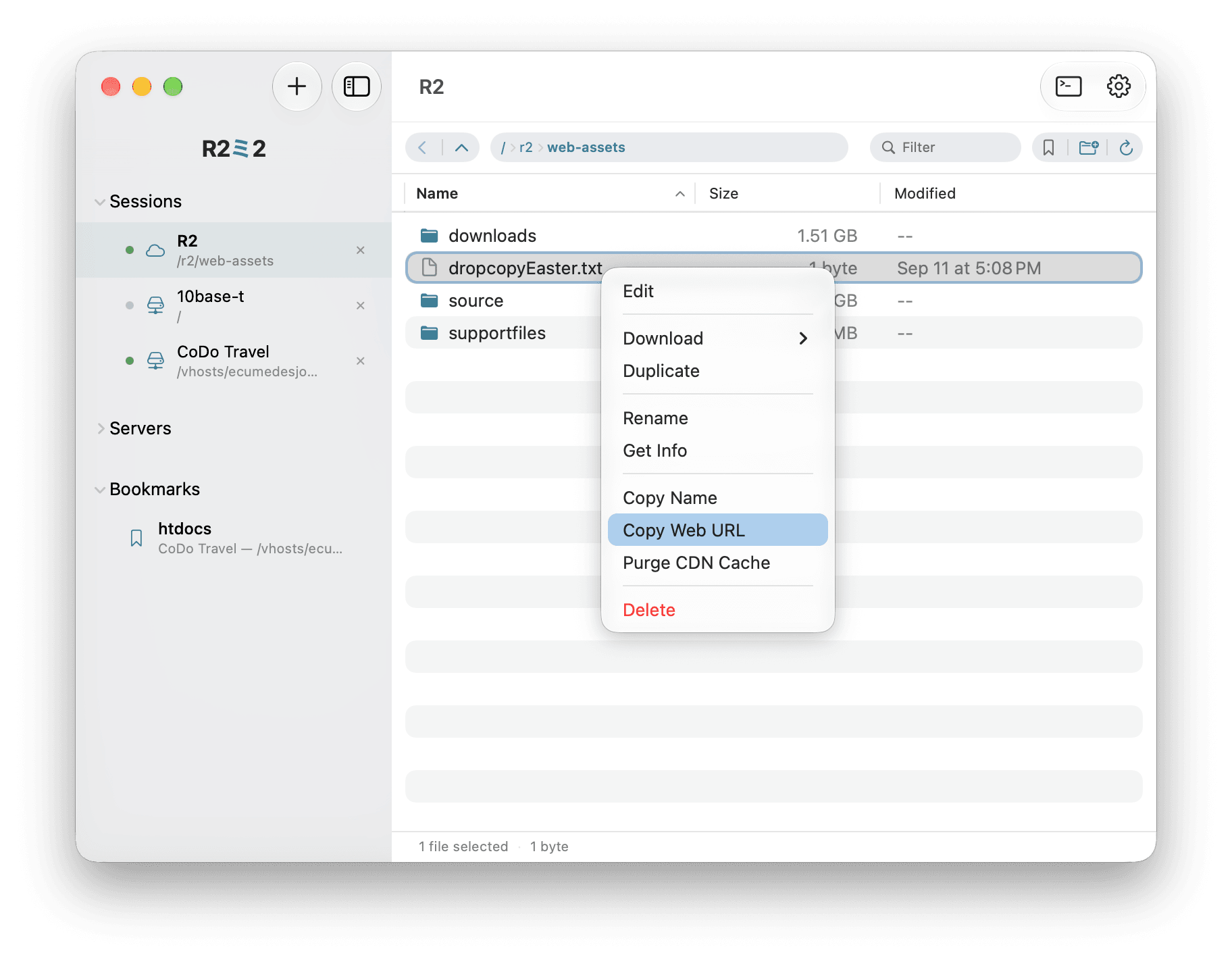
A built-in text editor works on remote files on both SFTP and R2 - saving an R2 file purges the Cloudflare cache automatically, so the change is live immediately.
Image preview streams straight from the server for JPEG, PNG, GIF, WebP, HEIC, BMP, TIFF, ICO and SVG, with Fit and Actual Size views.
Built for real server work
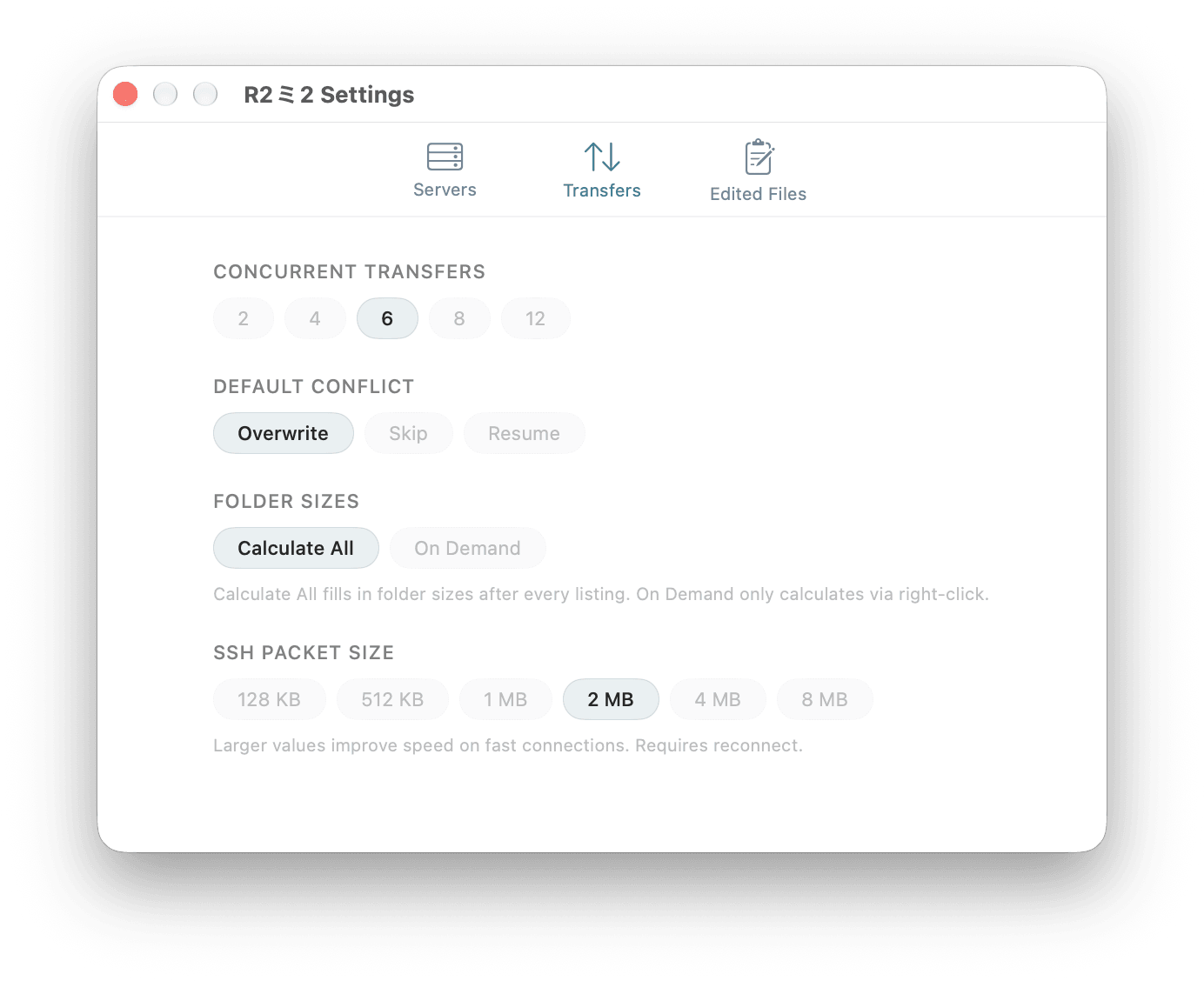
A POSIX permissions editor with multi-select and recursive apply, folder sizes calculated in place, and duplicating a file server-side - which on R2 is instant no matter how large it is.
Copy Web URL for any object with bucket-aware public and custom-domain links, purge the Cloudflare cache on demand or automatically after a change, and browse your Cloudflare Stream videos, copy playback URLs and remove old uploads.
Your servers, on your iPhone
The same servers and keys, carried over from your Mac. One-click sync over your local network: your Mac shows a PIN, your phone enters it, and the encrypted server list transfers directly - nothing passes through anyone's cloud.
Multiple sessions, breadcrumb navigation, text editing and bookmarks on iPhone, with a split-view sidebar on iPad.
Keys that stay yours
Export your entire server list, SSH keys included, as a single file encrypted with a passphrase you choose. Move it to another machine, import it, and carry on.
Getting started with R2
Connecting a Cloudflare R2 bucket needs your Account ID, an API Token (for browsing, creating buckets/folders and purging the CDN cache), and a separate R2 Access Key ID / Secret Access Key pair (for the file transfers themselves) - all generated from your Cloudflare dashboard.
Already have SFTP servers? Add a host, a username and a password or SSH key, and they sit alongside your buckets in the same sidebar.
R2 Bucket Boss for Mac, iPhone and iPad
Your Cloudflare R2 buckets and SFTP servers, in one window. Free to download.
Frequently Asked Questions
Why is R2 especially good for sharing large files like videos?
Plenty of apps can browse an S3-compatible bucket. What makes it worth doing specifically with Cloudflare R2 is R2's pricing: R2 charges nothing for egress/bandwidth, while S3 and most competing object storage bill per gigabyte downloaded. Storage itself is usually a rounding error either way - egress is what adds up once something is actually being distributed, like a large video that gets played or downloaded repeatedly.
That advantage only shows up once a file is reachable over a normal URL, though - a private bucket object is exactly as unreachable, and exactly as free to store, as one you never intended to share. Setting a Public URL for the bucket is what turns cheap storage into free distribution: R2BB's Copy Web URL then gives you a real link to hand out, and Purge CDN Cache keeps that link serving your latest upload immediately instead of a stale cached copy. Skip the Public URL step and R2's pricing advantage never gets used - the file is still there, but nobody outside your account can reach it.
Why does purging the CDN cache require a Public URL?
Cloudflare's cache-purge API doesn't work on R2 storage paths - it purges by URL, scoped to a zone (a domain on your Cloudflare account). R2BB needs a real hostname to look up which zone to purge in, and needs the exact public URL to tell Cloudflare which cached response to evict (Cloudflare's edge cache is keyed by the URL a browser requested, not by the bucket/object key).
That's also why a Public URL matters in the first place: an R2 bucket is private object storage by default. The only way a file becomes reachable over the web - and therefore something Cloudflare's edge would ever cache - is by attaching a custom domain or enabling the bucket's "Public Development URL." Set that once in the server's Public URL field, and:
- Copy Web URL can build a shareable link to the file.
- Purge CDN Cache can force out a stale cached copy after you upload a new version at the same path, so the next request fetches the fresh object instead of the old cached one.
No Public URL set - there's nothing being served publicly, so there's nothing cached and nothing to purge.