IP Scanner for Apple Watch

Monitor on the go!
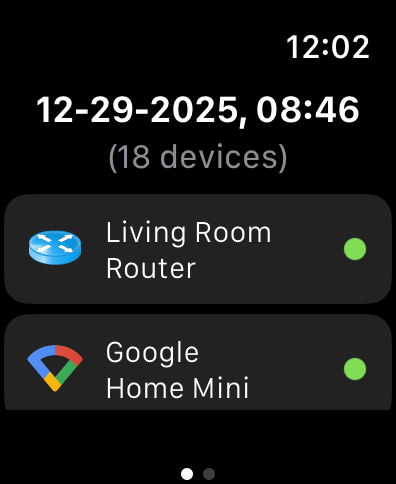
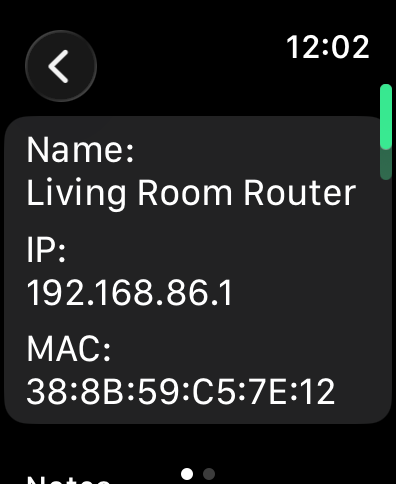
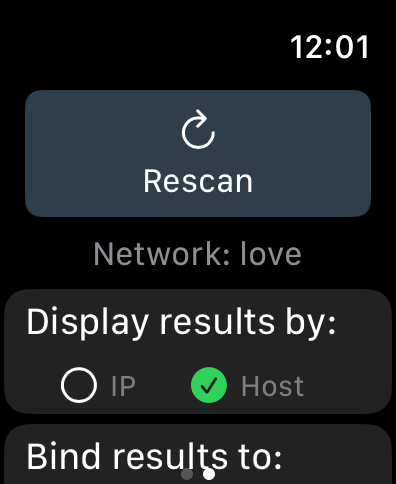
Since permissions and networking restrictions on watchOS limit actual active scanning, our Apple Watch app instead acts as a remote monitor for either the iOS or Mac version of IP Scanner - free in every edition, no purchase required.
Here’s how it works: when Remote Scans (iCloud sync) is enabled in either the macOS or iOS version of IP Scanner, a network snapshot is generated every scan cycle. These scans are time stamped and uploaded to your private, encrypted iCloud container. When launched, IP Scanner for Apple Watch checks for and displays the most recent network snapshot. Because you can toggle between displaying either the current iOS or macOS network scans, you can effectively monitor two networks from the same watch app.

IP Broadcaster
Easy access to your IP address, displays your local (LAN) and internet (WAN) IP numbers in the macOS menu bar
Learn more about IP Broadcaster